Clean Your Photo Library
The Easy Way

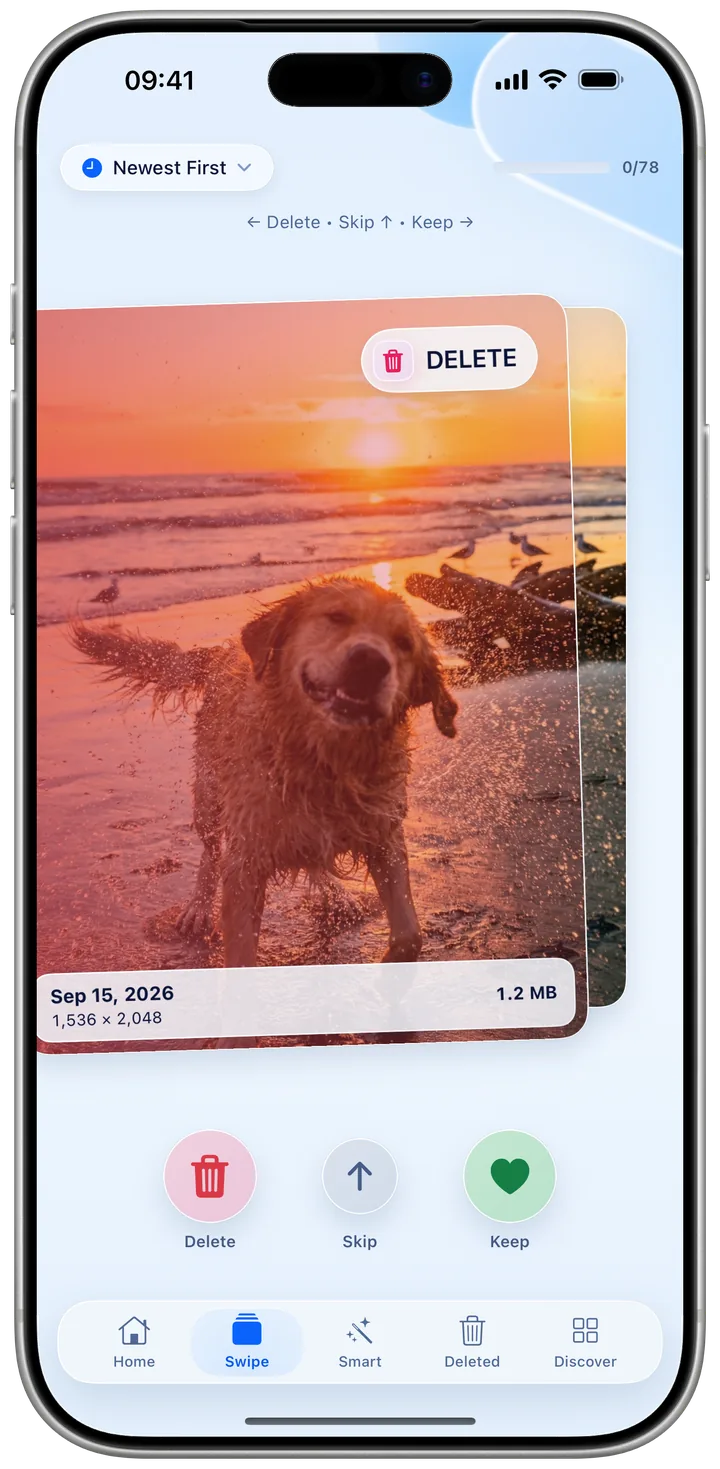
Swipe through your photos like your favorite apps. Delete what you don't need, keep what you love.

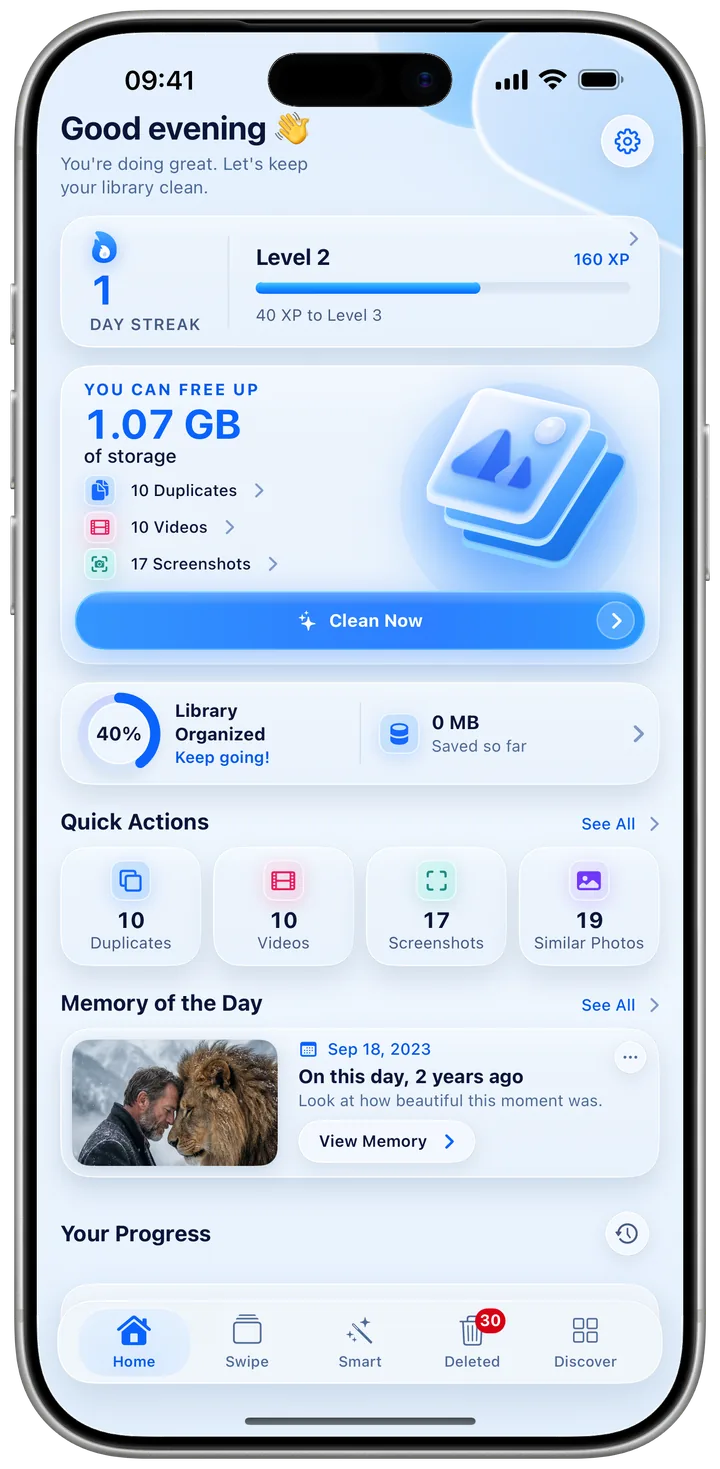
Kipply App Screenshot

FEATURES

Powerful tools for
photo management

Swipe to Organize

Intuitive swipe interface. Left to delete, right to keep. Process hundreds of photos efficiently.

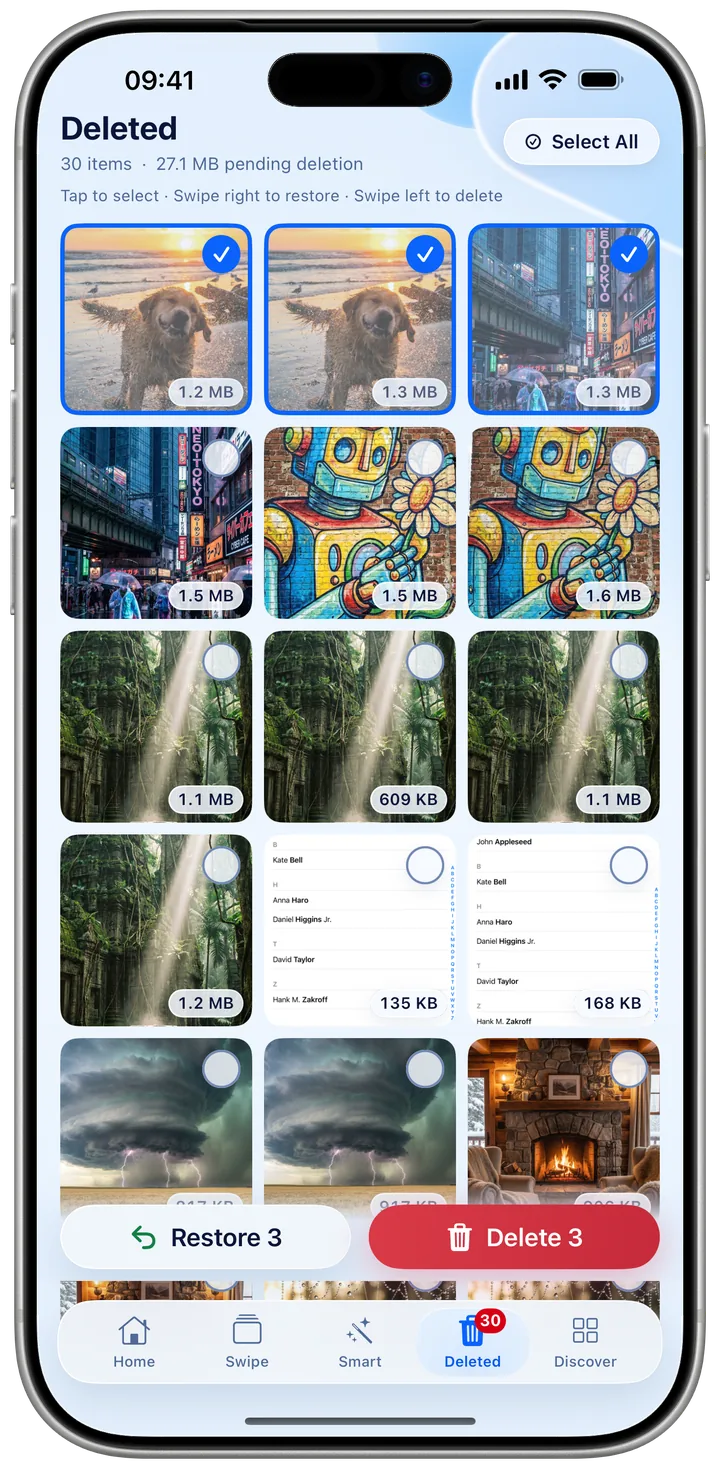
Safe Deletion

Deleted photos are staged for review. Restore anytime before permanent removal.

Analytics

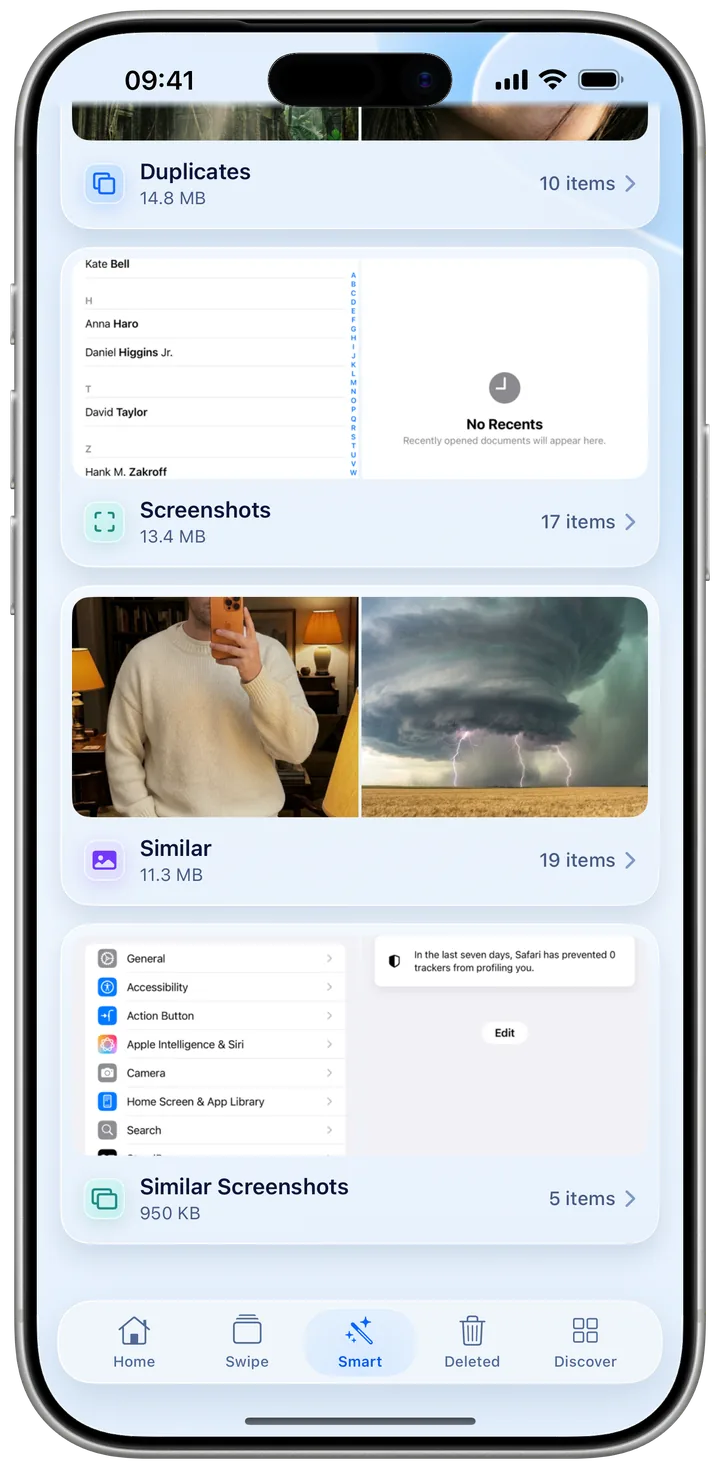
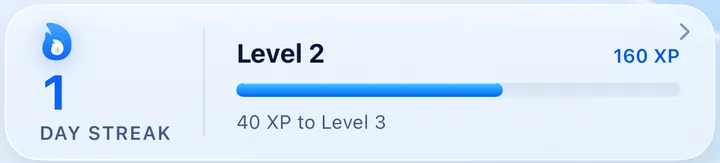
Track storage saved and photos cleaned. Monitor your progress with detailed insights.

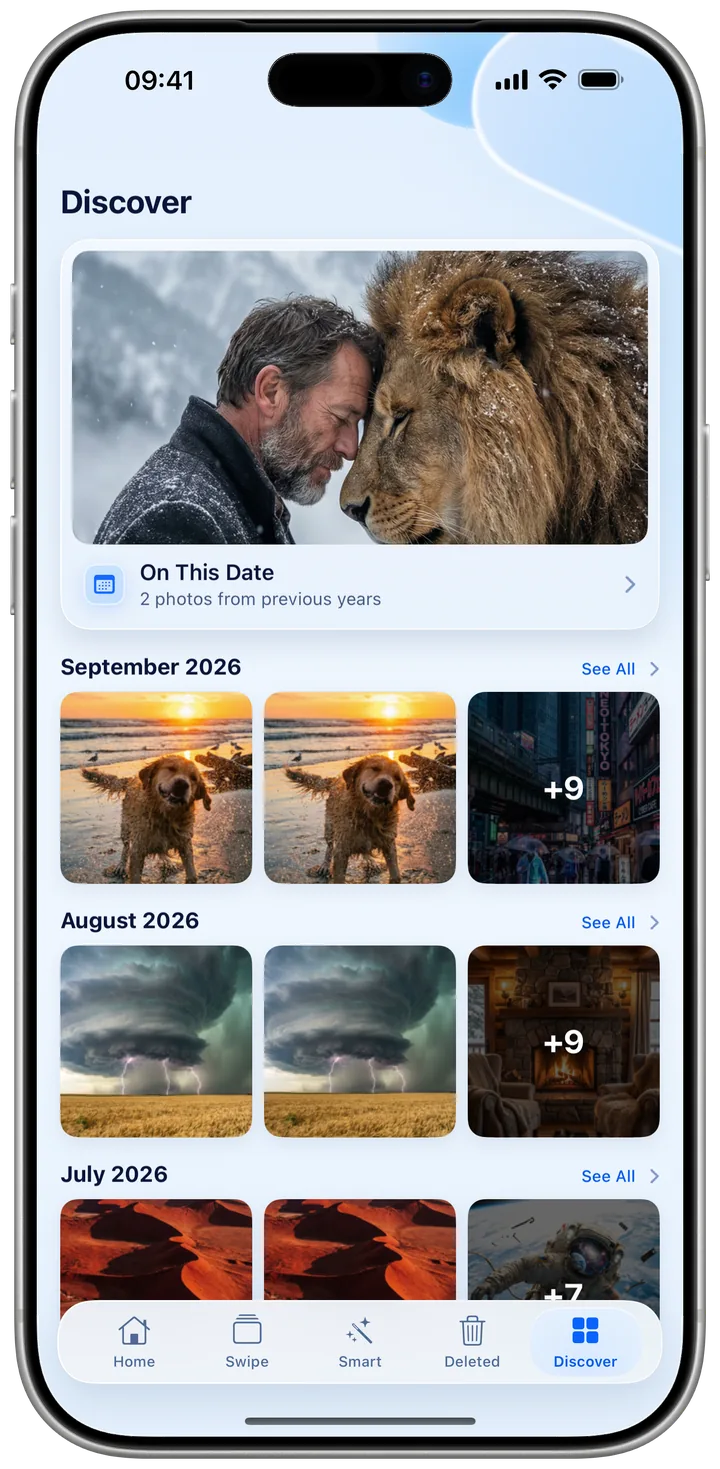
Memory Lane

Rediscover photos from this day in past years. Browse memories by month.

Privacy First

All processing happens locally on your device. No cloud uploads. Your data stays yours.

Fast Performance

Optimized for speed. Smooth animations even with libraries of thousands of photos.

How It Works

Get started in just four simple steps

1

Grant Access

Give Kipply permission to access your photo library

2

Start Swiping

Swipe left to delete, right to keep. It's that simple!

3

Review & Delete

Check the Deleted tab and permanently delete unwanted photos

4

Enjoy Space

Reclaim gigabytes of storage on your iPhone!

Ready to Clean Your Photos?

Download Kipply today and reclaim your storage

Get Kipply for iPhone